> ## Documentation Index
> Fetch the complete documentation index at: https://docs.refup.io/llms.txt
> Use this file to discover all available pages before exploring further.
# Creating a match against an unlisted opponent
When creating a new match, RefUp allows you to pick possible opponents in the same competition. You can add a new team if your opposition is not listed.
To add a new opponent:
1. Navigate to [My Bids](https://www.refup.io/matches/bids)
2. Click the  at the top of the screen to create a new match
3. Select the Home Team
4. Type the name of the new opposition team in the Away Team selector then click the "Add" option
at the top of the screen to create a new match
3. Select the Home Team
4. Type the name of the new opposition team in the Away Team selector then click the "Add" option
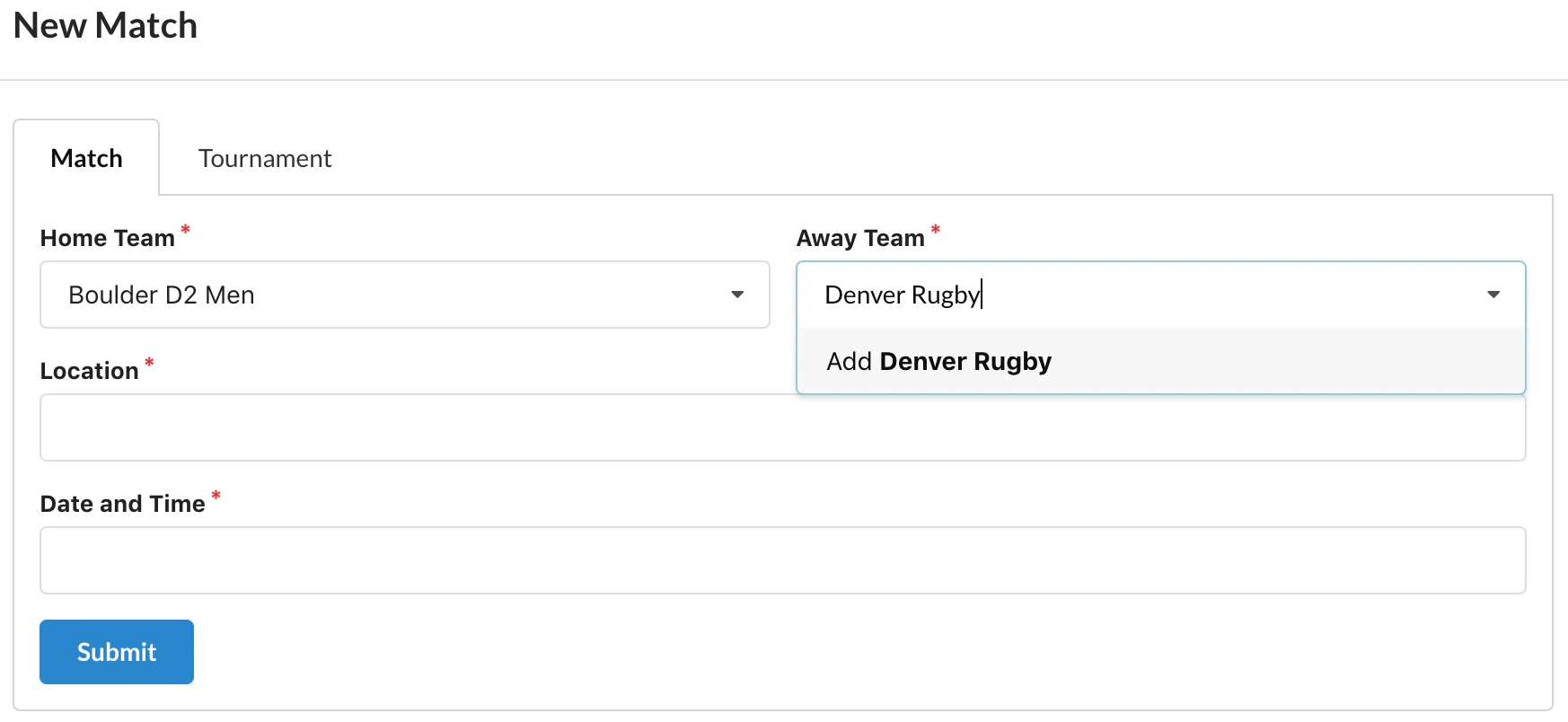 5. Enter the remaining match details and press Submit