> ## Documentation Index
> Fetch the complete documentation index at: https://docs.refup.io/llms.txt
> Use this file to discover all available pages before exploring further.
# Joining a new Referee Organization
You can officiate matches for multiple referee organizations using a single RefUp account.
To request access to a new referee organization:
1. Navigate to [Settings](https://refup.io/settings)
2. In the Memberships section, select Referee from the Request New Role dropdown:
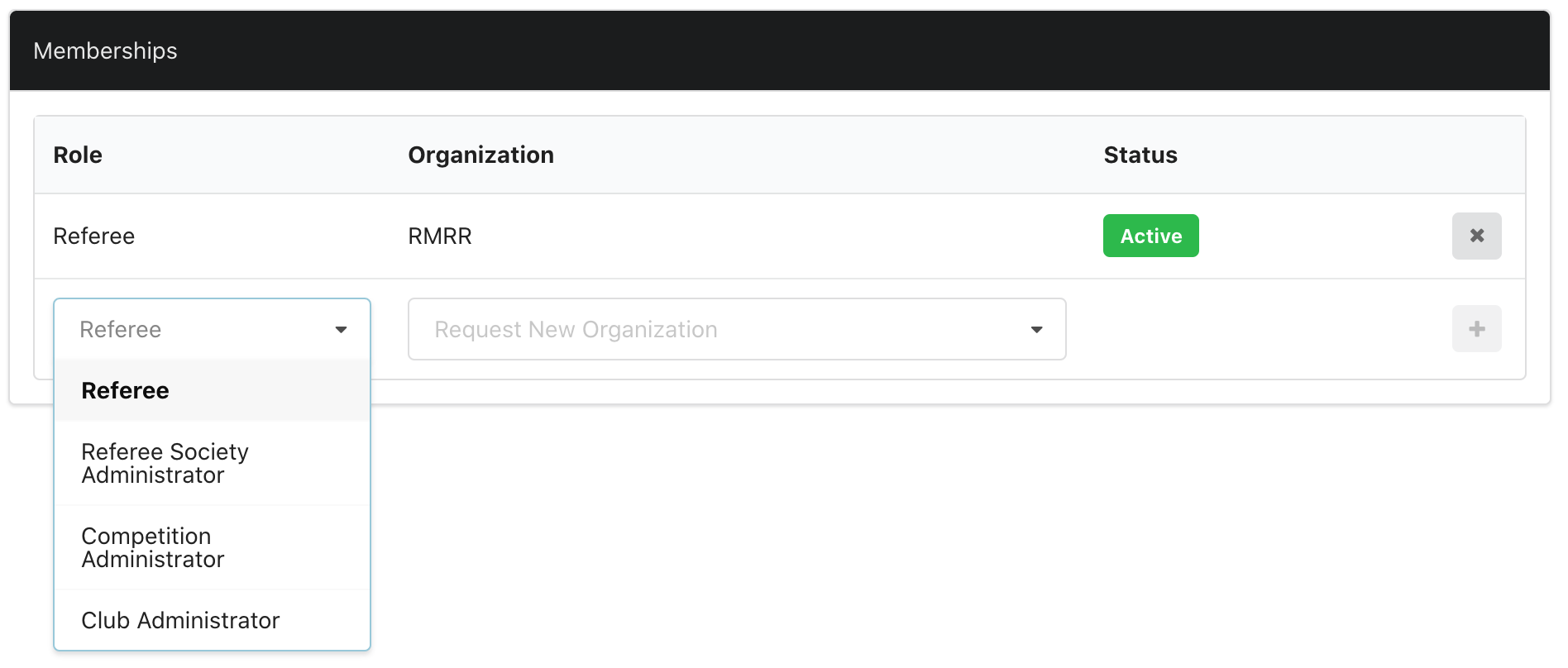 3. Select the Referee Organization from the Request New Organization dropdown
4. Click the
3. Select the Referee Organization from the Request New Organization dropdown
4. Click the  button to submit your request
5. You will receive an email when your request is approved
button to submit your request
5. You will receive an email when your request is approved