> ## Documentation Index
> Fetch the complete documentation index at: https://docs.refup.io/llms.txt
> Use this file to discover all available pages before exploring further.
# Cancelling a Won Offer
To make yourself available for an assignment, you create an *offer*. An offer is created for a *bid* which is a request for a specific official type for a match at a certain price (ex: Center Referee for Boulder vs Denver on 3/5 paying \$50). An offer is won after RefUp.io has made assignments for that bid.
To cancel a won offer:
1. Navigate to [My Matches](https://www.refup.io/matches/mine)
 2. Click the
  next to the offer you would like to cancel
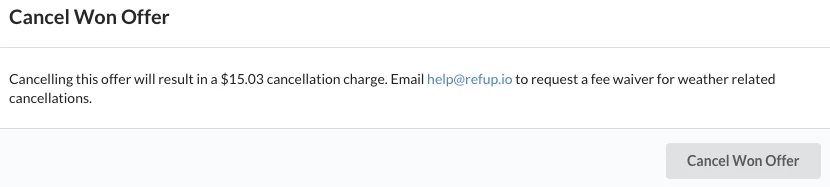 3. Confirm the cancellation by clicking Cancel Won Offer.
Any cancellation charges will be charged to the account you use to receive payments.
Any boosts assigned to this offer will not be refunded.
3. Confirm the cancellation by clicking Cancel Won Offer.
Any cancellation charges will be charged to the account you use to receive payments.
Any boosts assigned to this offer will not be refunded.